Why Watermarks Still Matter
In an age of AI image generation and instant screenshot sharing, you might wonder if watermarks are still relevant. The answer is yes — but for different reasons than a decade ago. Watermarks today serve three primary purposes:
- Theft deterrence: A visible watermark increases the time and effort required to steal and repurpose your image. Casual screenshotters will skip watermarked images in favor of easier targets.
- Brand exposure: Every share of your watermarked image becomes free advertising. Your name or logo travels with the image across social media, blogs, and messaging apps.
- Copyright evidence: In legal disputes, a watermark demonstrates your claim of ownership and the date of creation.
Text Watermark vs Logo Watermark
Choosing between text and logo watermarks depends on your use case:
| Type | Best For | Pros | Cons |
|---|---|---|---|
| Text watermark | Photographers, bloggers, casual use | Quick to create, readable at small sizes, conveys contact info | Less visually distinctive, can look amateur if poorly styled |
| Logo watermark | Brands, agencies, professionals | Reinforces brand identity, visually polished | Requires design skills, may not read well at small sizes |
Optimal Watermark Settings
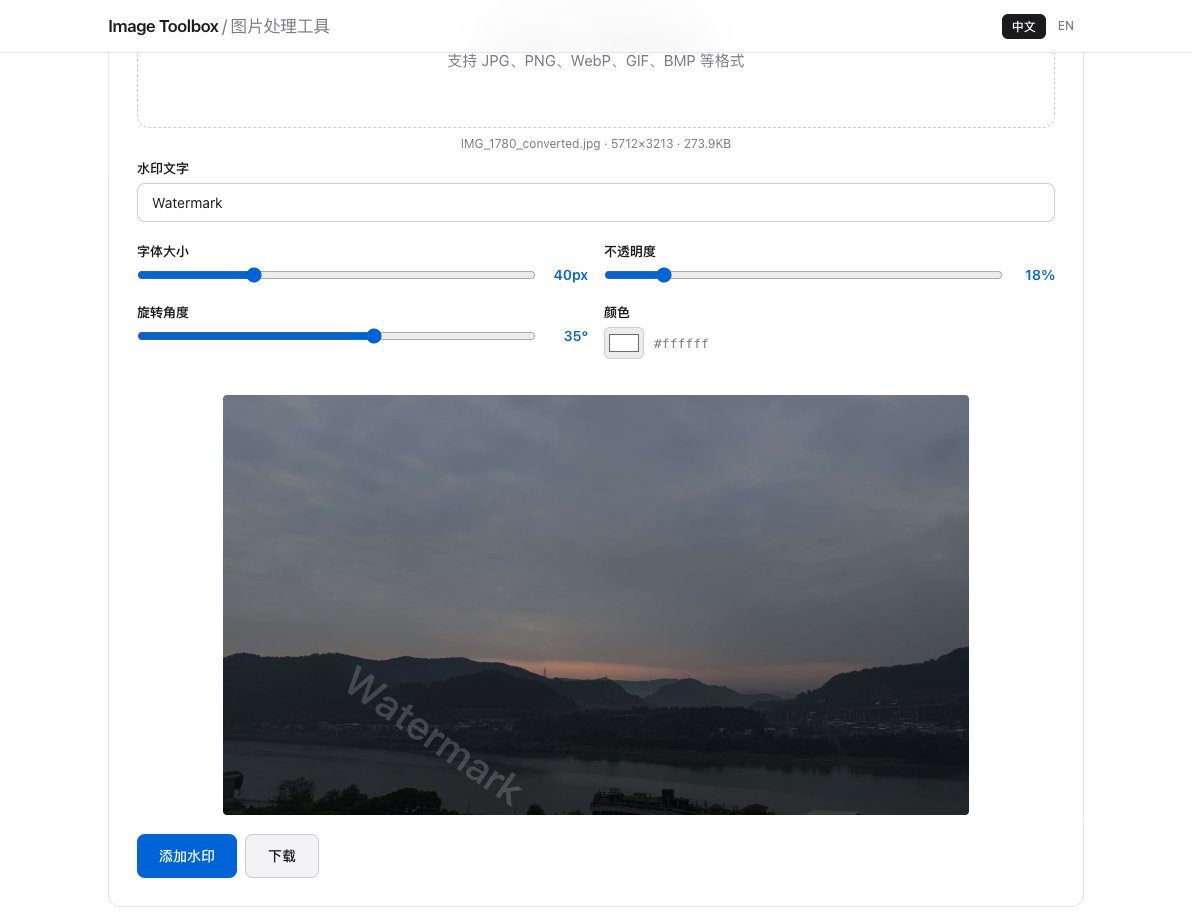
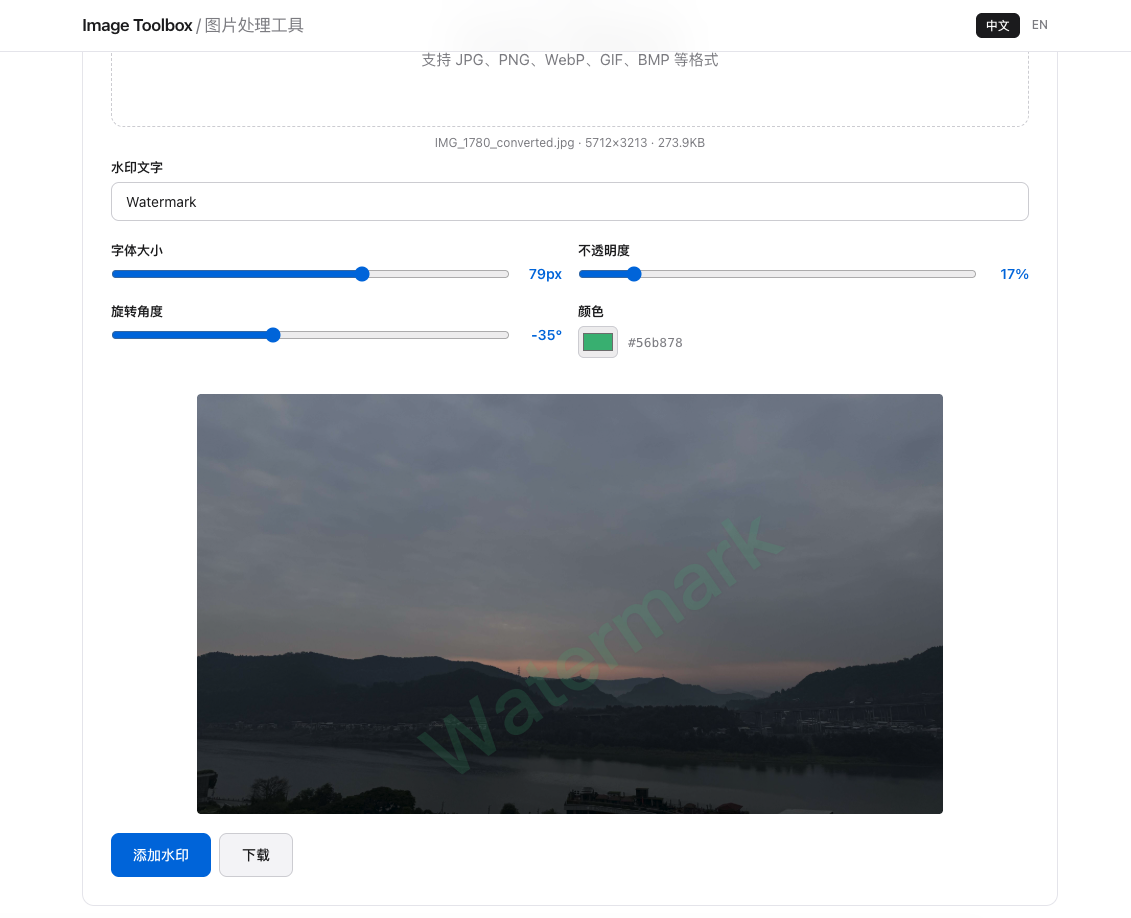
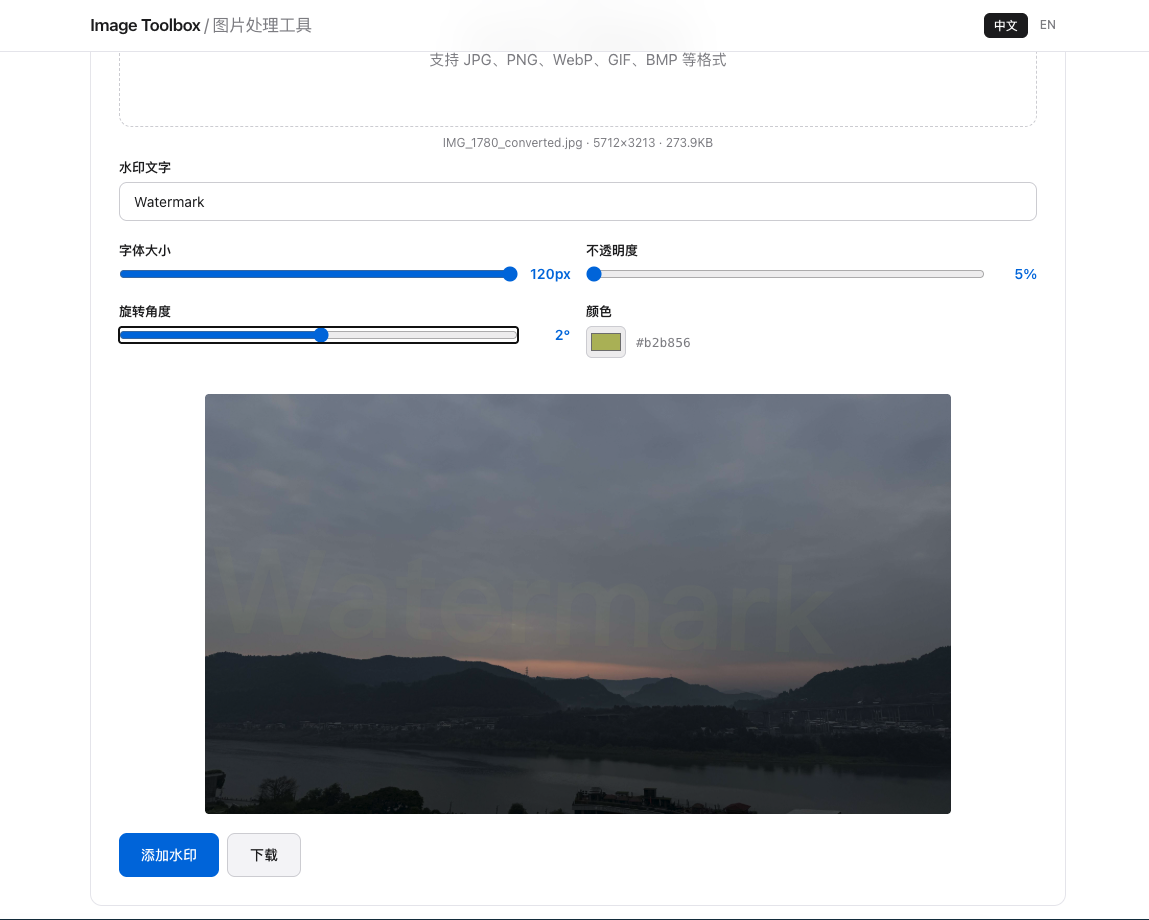
After testing thousands of watermarked images, these settings consistently produce the best balance of protection and aesthetics:
- Position: Bottom-right corner is standard. For stronger protection, place over a non-critical area of the subject.
- Opacity: 30–50%. Too opaque and it ruins the image; too transparent and it's easily removed.
- Size: 3–5% of the image's shortest edge. On a 3000px-wide photo, the watermark should be 90–150px wide.
- Color: White or black with a subtle shadow or outline for visibility against any background.
Step-by-Step: Add Watermark Online
With Image Toolbox, adding watermarks takes under a minute:
- Upload your image to the watermark tool
- Type your text or upload your logo
- Drag to position the watermark on the image
- Adjust opacity using the slider (start at 40%)
- Preview at full size, then download the watermarked image
Batch Watermarking for Photographers
If you deliver 100+ images per shoot, watermarking each one individually is impractical. The solution: process your entire folder in one session. Upload multiple images, apply the same watermark settings to all, and download the complete set. Consistency in watermark style across your portfolio signals professionalism.
Frequently Asked Questions
Where should I place a watermark on photos?
The bottom-right corner is the standard placement. For stronger protection against cropping, place the watermark over a non-critical area of the subject (like the lower body in a portrait). Avoid placing watermarks in easily cropped corners if theft is a major concern.
What opacity should a photo watermark be?
30–50% opacity is the optimal range. At 30%, the watermark is visible but unobtrusive. At 50%, it provides stronger protection while still allowing the image to be enjoyed. Above 60% begins to significantly distract from the photo.
Should I watermark images before posting on social media?
Yes, especially on platforms like Instagram and Pinterest where images are easily reposted without attribution. A subtle watermark ensures your brand travels with the image. Keep it small and positioned where platform UI elements won't cover it.