What Makes AVIF Different from Other Formats?
AVIF (AV1 Image File Format) is the newest contender in the image format wars. Derived from AV1 video encoding technology developed by the Alliance for Open Media, AVIF brings features that were previously impossible in static image formats: HDR (High Dynamic Range) support, 12-bit color depth, and film grain synthesis. While WebP was a significant leap forward from JPG, AVIF represents another generational improvement — often achieving 20% smaller files than WebP at the same visual quality.
The technical foundation matters. AVIF uses intra-frame coding from the AV1 video codec, which means it borrows decades of video compression research. Features like directional intra prediction, tile-based encoding, and advanced deblocking filters allow AVIF to preserve fine detail in ways that WebP and JPG simply cannot match.
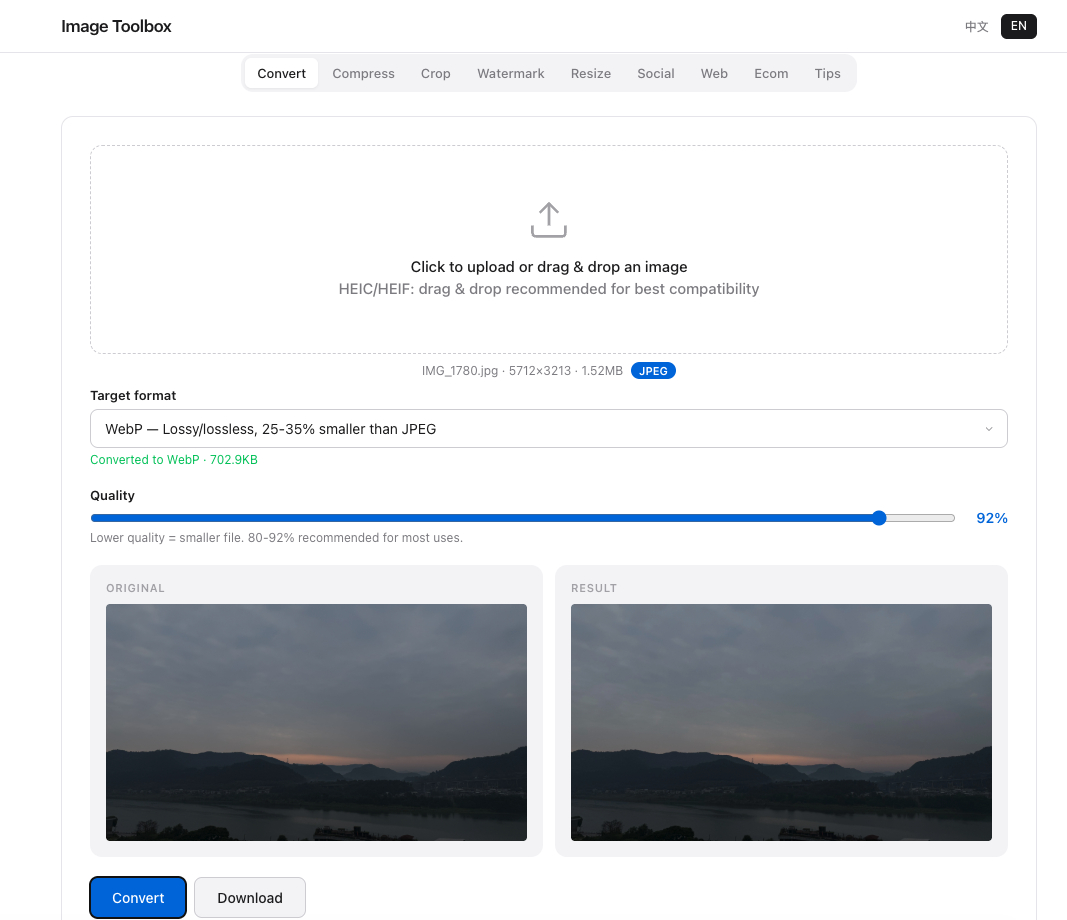
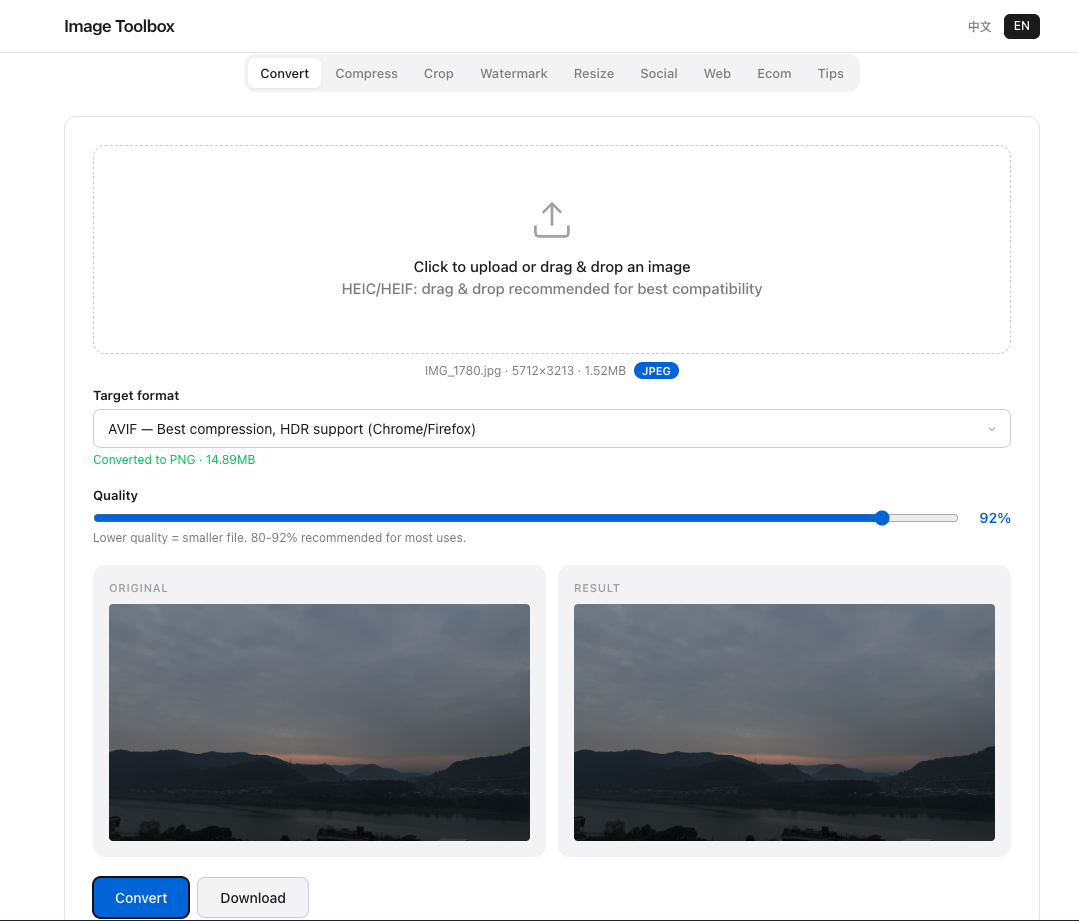
AVIF vs WebP: Real-World Benchmarks
Compression Efficiency
In head-to-head tests using the same source images, AVIF consistently outperforms WebP across all quality levels. At high quality (80%+), AVIF files are roughly 15–20% smaller than equivalent WebP files. At medium quality (60–70%), the gap widens to 25–30%. For lossless compression, AVIF achieves approximately 15% better compression than PNG and WebP-lossless.
Quality Preservation
Where AVIF truly shines is in difficult content: images with fine text, sharp gradients, and complex textures. WebP and JPG tend to produce blocking artifacts and color banding in these areas, while AVIF maintains smooth transitions. For photographers and designers, this means AVIF can deliver smaller files without the visible compromises that plague other formats.
Browser Support in 2026
Chrome and Firefox have supported AVIF since 2021. Safari added AVIF support in version 16 (2022). Edge, Opera, and most Chromium-based browsers follow Chrome's lead. The result is 90%+ global browser support — slightly behind WebP's 97%, but more than sufficient for most production websites.
For the remaining browsers, the <picture> element provides a clean fallback strategy:
<picture>
  <source srcset="image.avif" type="image/avif">
  <source srcset="image.webp" type="image/webp">
  <img src="image.jpg" alt="Description">
</picture>
Should You Convert to AVIF Now?
For most users, the answer is a qualified yes. If you control your website's image pipeline and your audience uses modern browsers, AVIF offers the best compression-to-quality ratio available. Tools like Image Toolbox make conversion effortless — upload your PNG or JPG, select AVIF as the target format, and download the optimized result. No command-line knowledge required.
However, if you need universal compatibility (email attachments, legacy systems, print workflows), stick with JPG or PNG as your primary format. AVIF is a web-first format, and its advantages diminish outside browser-based delivery.
Frequently Asked Questions
Is AVIF better than WebP?
For web delivery, yes. AVIF produces 15–30% smaller files than WebP at the same quality, with better handling of complex textures and gradients. However, WebP has slightly broader browser support (97% vs 90%), so the "better" choice depends on your audience and fallback strategy.
Does Safari support AVIF?
Yes. Safari added AVIF support in version 16, released with macOS Ventura and iOS 16 in 2022. All Apple devices running current operating systems can display AVIF images natively.
Can I convert JPG to AVIF for free?
Yes. Most modern browsers support AVIF encoding through the Canvas API, and desktop tools like ImageMagick or Squoosh can also produce AVIF output.