What Is BMP? A Blast from the Past
BMP (Bitmap) is one of the oldest image formats still in circulation, introduced by Microsoft in 1987. It stores image data as an uncompressed grid of pixels, with minimal metadata and no compression algorithm to speak of. In an era when 1MB hard drives were considered spacious, BMP was adequate. In 2026, it's an anachronism — a format that wastes storage space and bandwidth without offering any meaningful advantage over modern alternatives.
The fundamental problem is size. A 1920×1080 BMP file at 24-bit color depth consumes approximately 6MB. The same image as a PNG typically weighs 1–2MB, and as a high-quality JPG, just 300–500KB. Those differences compound quickly across a website, a document, or an email attachment.
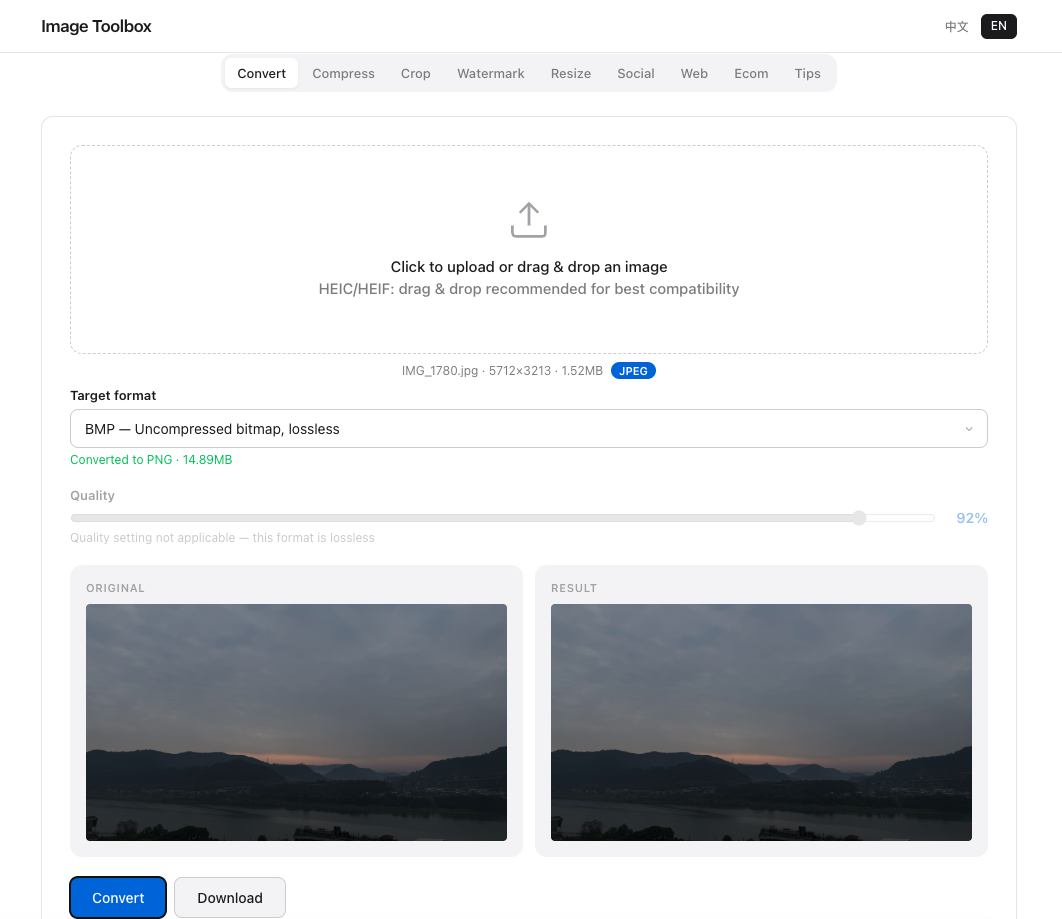
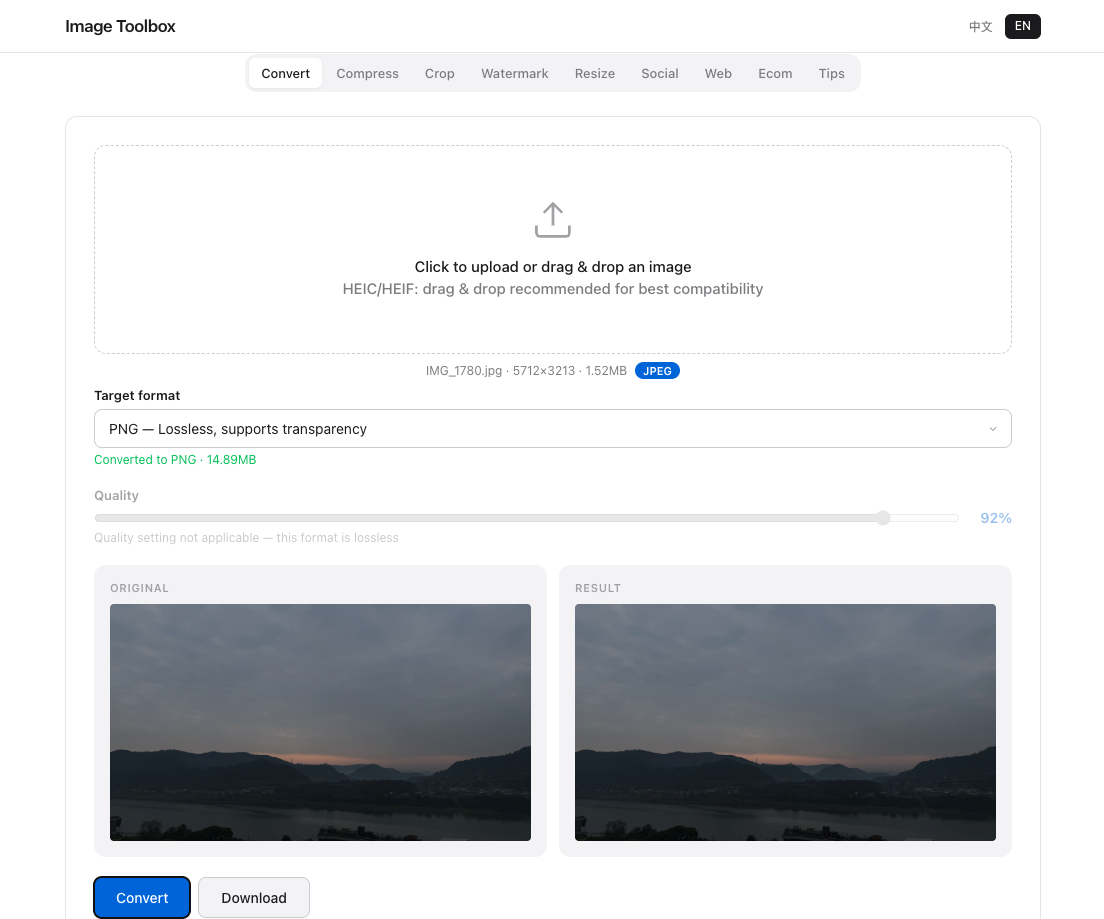
File Size Reality Check
Real-World Comparisons
Here's what the numbers look like for a typical 4000×3000 pixel photograph:
- BMP (uncompressed): 36MB
- PNG (lossless): 12–18MB
- JPG (quality 90): 4–6MB
- WebP (quality 85): 2–3MB
BMP is not just slightly larger — it's an order of magnitude larger than modern compressed formats. For web use, this translates to slower page loads, higher bandwidth costs, and frustrated users on mobile connections.
When BMP Still (Barely) Makes Sense
Despite its inefficiency, BMP persists in a few niche applications. Embedded systems with limited computational power sometimes use BMP because it requires no decompression algorithm. Industrial image processing equipment may output BMP for compatibility with legacy software. And some Windows internal graphics operations still use BMP as an intermediate format. For everyday use, however, there is virtually no scenario where BMP is the right choice.
How to Convert BMP to PNG in Seconds
Moving away from BMP is trivial. Image Toolbox converts BMP to PNG instantly in your browser. The conversion is lossless — every pixel is preserved exactly — but the file size drops by 60–80%. Simply upload your BMP, select PNG as the output format, and download the optimized file. If you need even smaller files for web use, convert to JPG or WebP instead.
Frequently Asked Questions
Will PNG look worse than BMP?
No. PNG uses lossless compression, which means every pixel is preserved exactly. A PNG conversion of a BMP is pixel-for-pixel identical to the original — just significantly smaller. There is zero quality loss.
Can I convert BMP to JPG?
Yes. BMP to JPG conversion works well for photographs, producing much smaller files. However, the conversion is lossy — some data will be discarded. For graphics, text, or screenshots, stick with PNG to preserve sharp edges.
Why do some programs still use BMP?
Legacy compatibility and simplicity. BMP requires no compression/decompression code, making it easy to implement in resource-constrained environments. Some older Windows applications and embedded systems continue to use BMP for these reasons, but modern software should prefer PNG or WebP.
Size Comparison Results
BMP was 18.4MB vs PNG 4.2MB — 77% reduction with identical quality. No reason to use BMP over PNG.