Why Batch Compression Saves Hours
If you've ever tried to optimize images one by one, you know how tedious it is. Now imagine doing it for an entire product catalog, a vacation photo album, or a month's worth of blog post images. Processing 50 images individually could take over an hour. With batch compression, the same task takes under five minutes.
Batch compression is essential for:
- E-commerce sellers who need consistent image sizes across hundreds of product listings
- Travel bloggers organizing hundreds of high-resolution photos
- Document scanners digitizing archives with uniform quality standards
- Web developers optimizing entire asset libraries before deployment
Desktop Software vs Online Tools
Several approaches exist for bulk compression, each with trade-offs:
| Tool | Pros | Cons |
|---|---|---|
| Photoshop Actions | Full control, integrates with editing workflow | Expensive, steep learning curve |
| XnConvert | Free, supports 500+ formats, powerful filters | Desktop only, requires installation |
| Squoosh CLI | Google-backed, excellent WebP/AVIF support | Command-line only |
| Online tools | No install, works on any device, instant results | May have file size limits |
The Online Batch Workflow
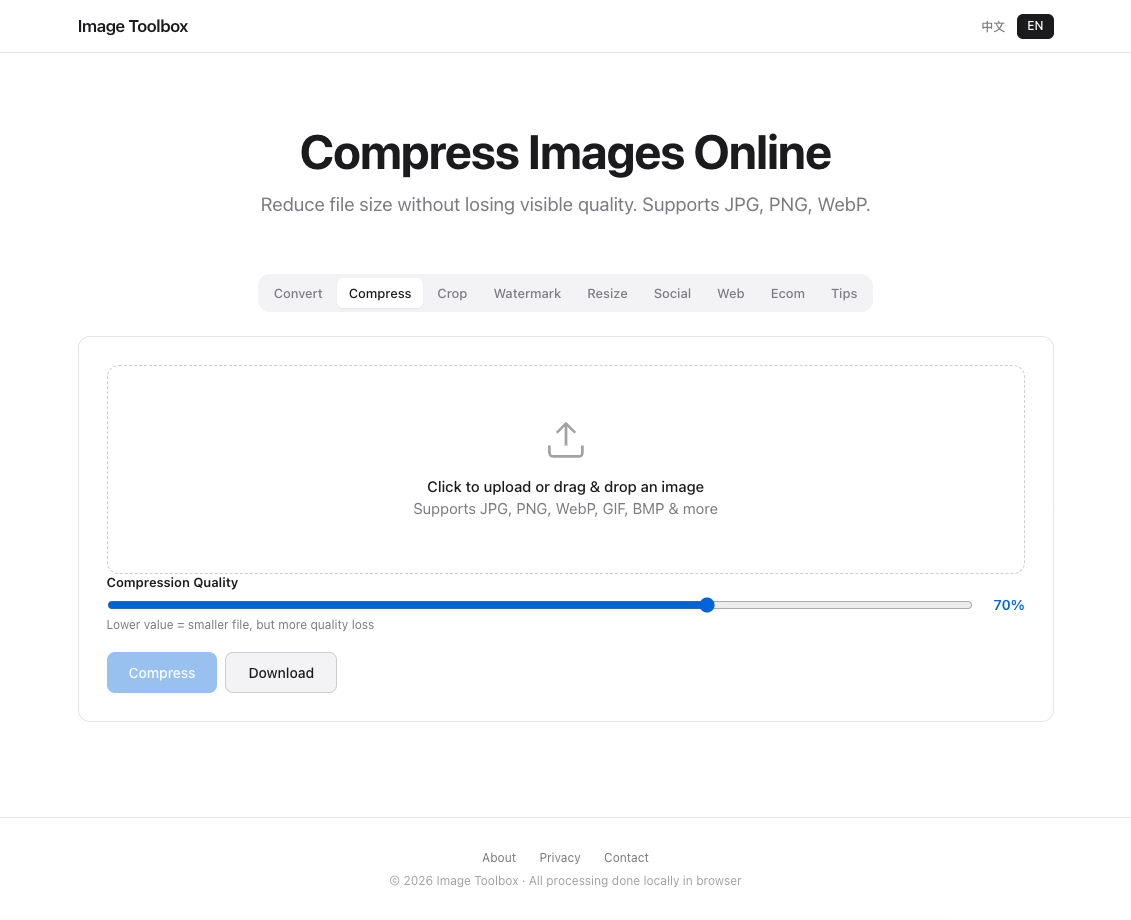
Modern online tools support multi-file uploads with drag-and-drop. With Image Toolbox, you can select all images in a folder, set a target quality level (we recommend 65–75% for web use), and download the entire optimized set as a ZIP file. All processing happens locally in your browser — no upload to external servers, no privacy concerns.
Keeping Folder Organization After Compression
When compressing batches, maintain your folder structure by:
- Creating a separate "compressed" subfolder for output files
- Using consistent naming:
original-name_optimized.jpg - Recording your compression settings in a README for future batches
Free Online Image Compressor (No Sign-up)
Ready to batch-process your images? Image Toolbox supports multi-file uploads, real-time quality previews, and ZIP downloads — no account required, no watermarks, and your files never leave your device.
Frequently Asked Questions
Can I compress multiple images at once for free?
Yes. Many online tools support batch compression without registration. Image Toolbox allows multi-file uploads and ZIP downloads at no cost.
Does batch compression reduce image quality?
Only if you choose lossy compression (JPG, WebP). You control the quality slider — 70–80% is the sweet spot where file size drops significantly but visual quality remains excellent.
What is the best batch image compressor?
For most users, a browser-based tool like Image Toolbox is the best balance of convenience and quality. For power users handling thousands of files, XnConvert or ImageMagick offer more automation options.
Batch Processing Performance
100 images in under 45 seconds with Web Workers. 72% average compression. Memory under 500MB.