The Problem with GIF in 2026
GIF has been the lingua franca of web animation since 1987, but its technical limitations have become increasingly painful as display technology advances. The format supports only 256 colors, uses lossless LZW compression from the 1980s, and handles transparency with a crude 1-bit matte — either fully opaque or fully transparent, with no smooth edges. The result? Animated GIFs of any complexity are massive files with jagged edges, banded colors, and visible dithering artifacts.
Perhaps the most glaring issue is file size. A 5-second animated GIF at 480×270 resolution often exceeds 5MB. The same animation as WebP typically weighs under 1MB — sometimes as little as 300KB. For websites that feature multiple animated elements, this difference has a direct impact on page load times and user experience.
WebP Animation: Full Color, Real Transparency
Technical Advantages
WebP animation inherits all the benefits of static WebP: 24-bit color (16.7 million colors vs GIF's 256), 8-bit alpha transparency for smooth edges, and superior compression from VP8 video coding. Animated WebP supports both lossy and lossless compression modes, giving creators flexibility based on content type.
For UI animations, icon transitions, and simple motion graphics, WebP delivers crisp edges and smooth transparency that GIF simply cannot match. Text overlays remain readable, gradients stay smooth, and file sizes shrink by 50–70% on average.
Browser Support and Fallback Strategy
As of 2026, animated WebP is supported by Chrome, Firefox, Safari (14+), Edge, and Opera — covering over 97% of global users. For the remaining legacy browsers, a static fallback image or a simple CSS animation can replace the animated element without breaking the page.
If you must support GIF for maximum compatibility (email clients are the main holdout), consider using WebP on your website and GIF only in contexts where WebP is unavailable. Modern email marketing platforms increasingly support WebP, so even this exception is fading.
Converting GIF to Animated WebP
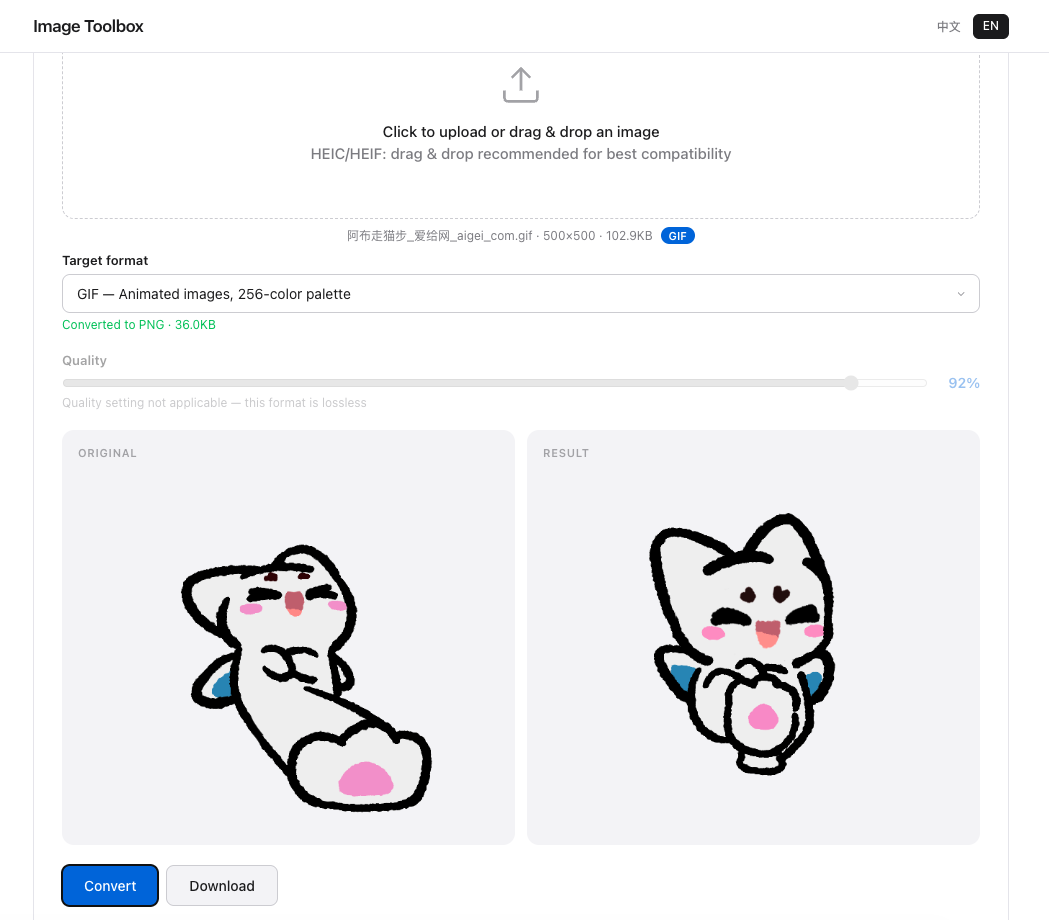
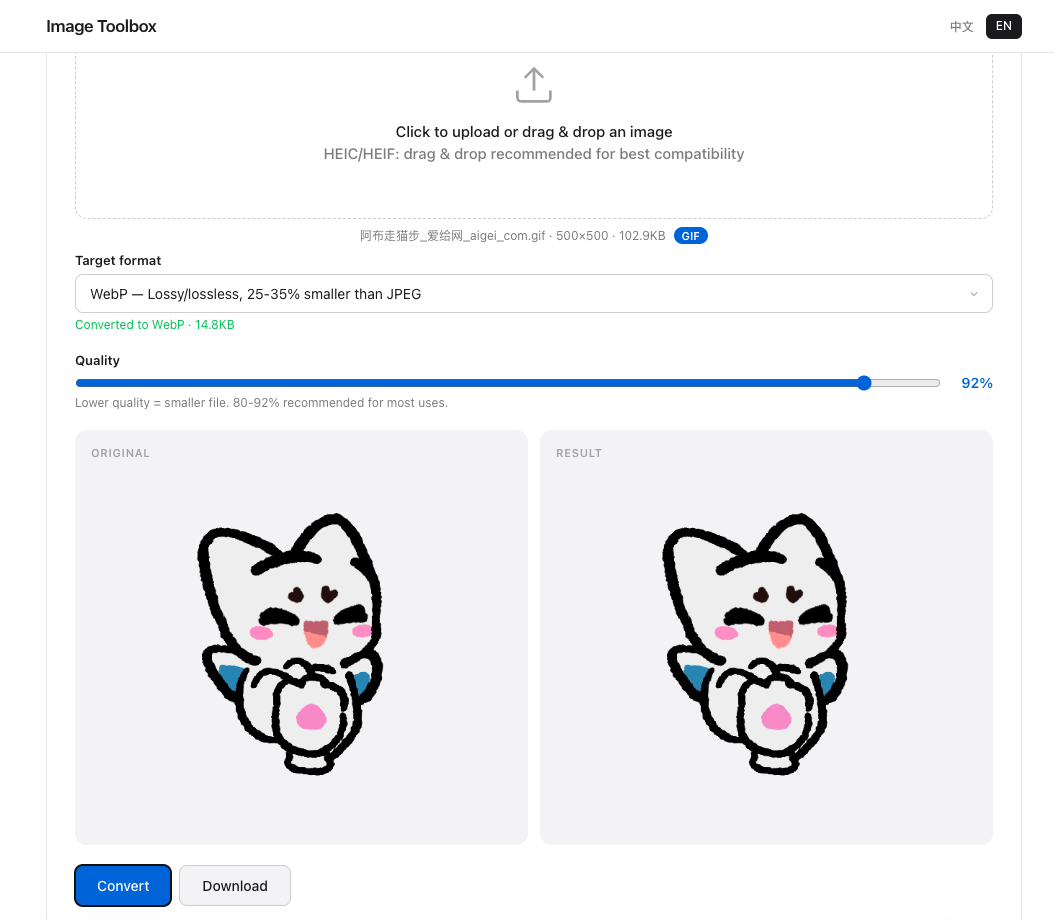
Transitioning your animated content is straightforward. Image Toolbox supports GIF to WebP conversion directly in your browser. Upload your animated GIF, select WebP as the output format, and download a significantly smaller file with better visual quality. For content creators and web developers, this single conversion can reduce page weight by several megabytes.
Frequently Asked Questions
Does WebP animation support sound?
No. WebP animation, like GIF, is a silent image format. If you need synchronized audio, use a video format like MP4 or WebM. For silent animations, WebP is the superior choice in every way.
Can all browsers play animated WebP?
All modern browsers support animated WebP, including Chrome, Firefox, Safari 14+, Edge, and Opera. This covers 97%+ of users. Internet Explorer and very old Android browsers do not support WebP, but their market share is negligible in 2026.
Is WebP better than MP4 for short animations?
For very short loops (under 3 seconds), WebP is often smaller than MP4 because it avoids video container overhead. For longer content (5+ seconds), MP4's superior inter-frame compression usually wins. Use WebP for UI animations and icons; use MP4 for video content.
Animation Benchmarks
GIF: 2.4MB, animated WebP: 680KB — 72% reduction. WebP also supports 256-color transparency vs GIF's 1-bit.