Instagram Image Sizes
Instagram uses multiple aspect ratios depending on the content type. Using the wrong dimensions means your image gets cropped unpredictably:
- Feed posts (portrait): 1080 × 1350 pixels (4:5 ratio) — maximum vertical space
- Feed posts (square): 1080 × 1080 pixels (1:1 ratio) — classic format
- Stories and Reels: 1080 × 1920 pixels (9:16 ratio) — full-screen vertical
- Profile picture: 320 × 320 pixels minimum, displays at 110 × 110
For best results, upload at the recommended pixel dimensions. Instagram compresses all uploads, so starting with a higher resolution gives you a sharper final image.
Facebook Image Sizes
Facebook's image requirements vary by placement:
- Cover photo: 851 × 315 pixels — displays at 820 × 312 on desktop
- Shared image: 1200 × 630 pixels (1.91:1 ratio) — optimal for link previews
- Event cover: 1200 × 628 pixels
- Group cover: 1640 × 856 pixels
X/Twitter Image Sizes
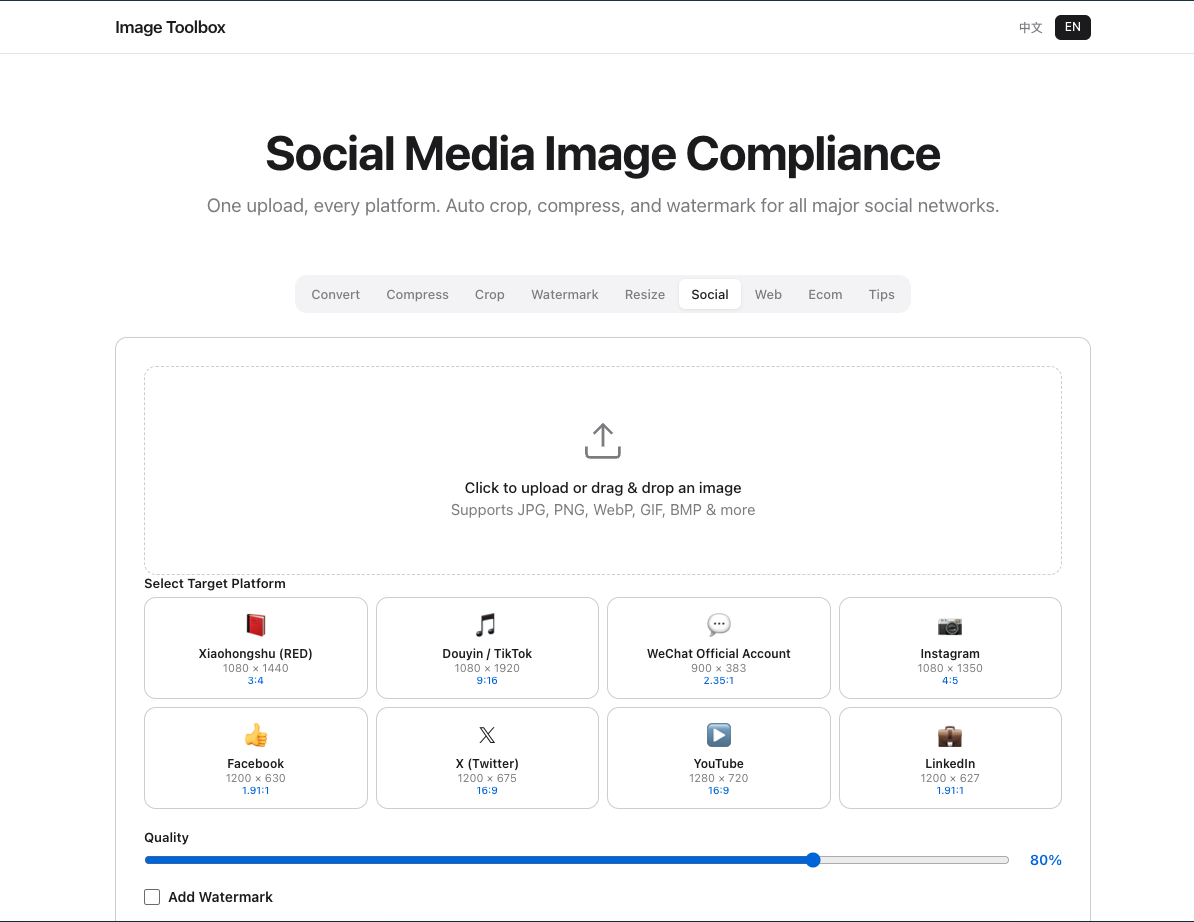
- Single image tweet: 1200 × 675 pixels (16:9 ratio)
- Multi-image tweet: 1200 × 900 pixels (4:3 ratio)
- Header image: 1500 × 500 pixels
- Profile photo: 400 × 400 pixels
Important: X crops the top and bottom of tall images in the timeline. Keep your subject centered and avoid placing text near the edges.
LinkedIn, TikTok, YouTube, Pinterest
| Platform | Image Type | Dimensions |
|---|---|---|
| Shared image | 1200 × 627 pixels | |
| Cover image | 1584 × 396 pixels | |
| TikTok | Profile photo | 200 × 200 pixels |
| YouTube | Thumbnail | 1280 × 720 pixels |
| Standard pin | 1000 × 1500 pixels (2:3) |
Resize All Your Social Images in One Click
Rather than memorizing dozens of dimensions, use Image Toolbox to resize images for any platform. Simply enter your target dimensions or select a preset, and the tool handles the rest — maintaining aspect ratio, cropping intelligently, and exporting in your preferred format.