What Is TIFF and Who Uses It?
TIFF (Tagged Image File Format) has been the gold standard in professional imaging since the 1980s. Unlike consumer formats designed for web delivery, TIFF was built for maximum fidelity and editing flexibility. Its primary users include:
- Commercial printers: TIFF supports CMYK color space, essential for accurate color reproduction on physical media
- Medical imaging: DICOM-compatible TIFFs store high-bit-depth radiology scans
- Archival institutions: Libraries and museums use TIFF for long-term preservation of digitized historical documents
- Professional photographers: TIFF serves as an intermediate format between RAW files and final deliverables
TIFF vs PNG: Technical Comparison
Both TIFF and PNG use lossless compression, but they serve different technical purposes:
| Feature | TIFF | PNG |
|---|---|---|
| Compression | None, LZW, or ZIP | DEFLATE (always lossless) |
| Color spaces | RGB, CMYK, LAB, Grayscale | RGB, Grayscale |
| Bit depth | Up to 32-bit per channel | Up to 16-bit per channel |
| Layers | Supported (in some variants) | Not supported |
| Transparency | Alpha channel supported | Full alpha support |
| File size | Very large | Large but smaller than TIFF |
When PNG Is the Better Archive Format
For most digital archiving needs, PNG is the superior choice:
- Web archiving: PNG is universally supported by all browsers and operating systems
- General compatibility: PNG opens in every image viewer; TIFF requires specialized software on some systems
- Smaller file sizes: PNG's DEFLATE compression typically produces files 30–50% smaller than uncompressed TIFF
- Screenshot preservation: PNG's lossless compression perfectly preserves text and UI elements
When TIFF Is Non-Negotiable
Despite PNG's advantages, TIFF remains essential in specific professional workflows:
- Professional printing: CMYK TIFFs ensure color accuracy on offset presses and digital printers
- Multi-layer editing: Some TIFF variants preserve Photoshop layers for future editing
- Legal and medical evidence: TIFF's metadata support and lack of compression artifacts meet chain-of-custody requirements
- High-bit-depth imaging: Scientific and astronomical images requiring 16+ bits per channel
Converting Between TIFF and PNG
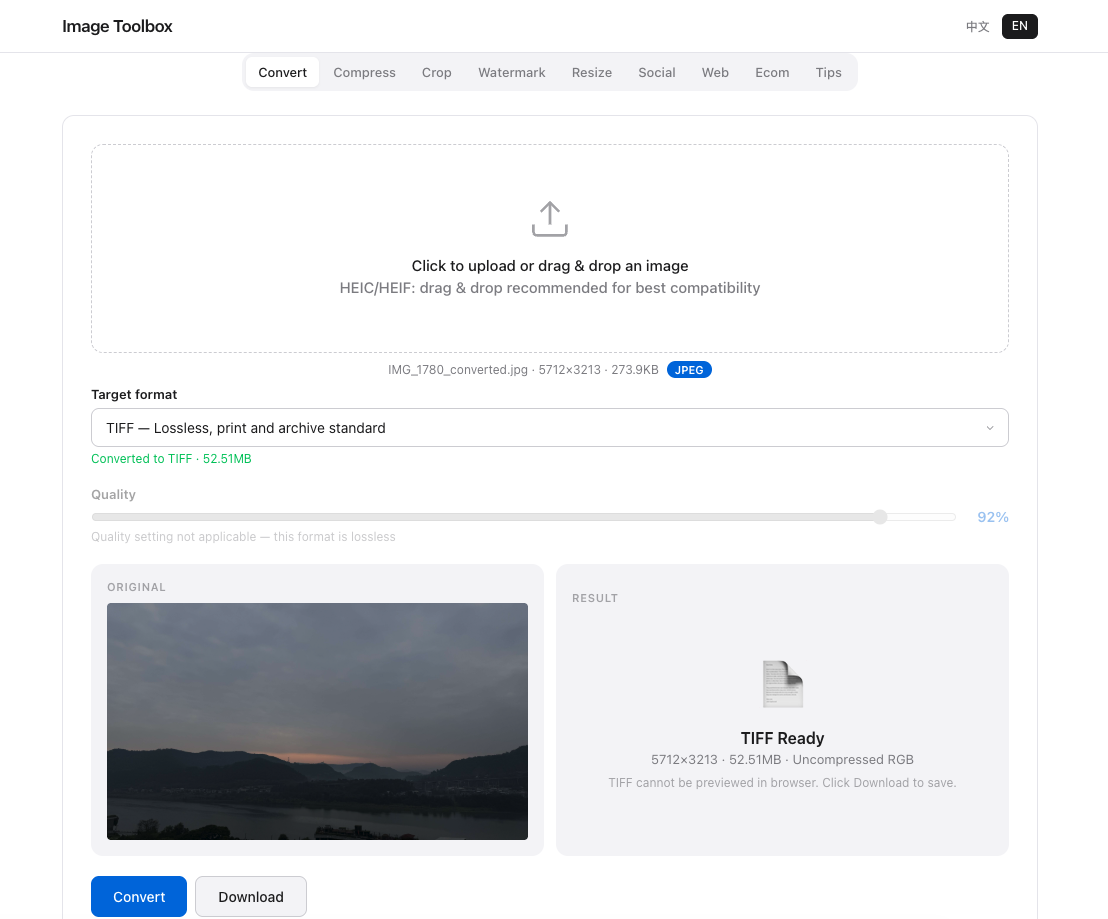
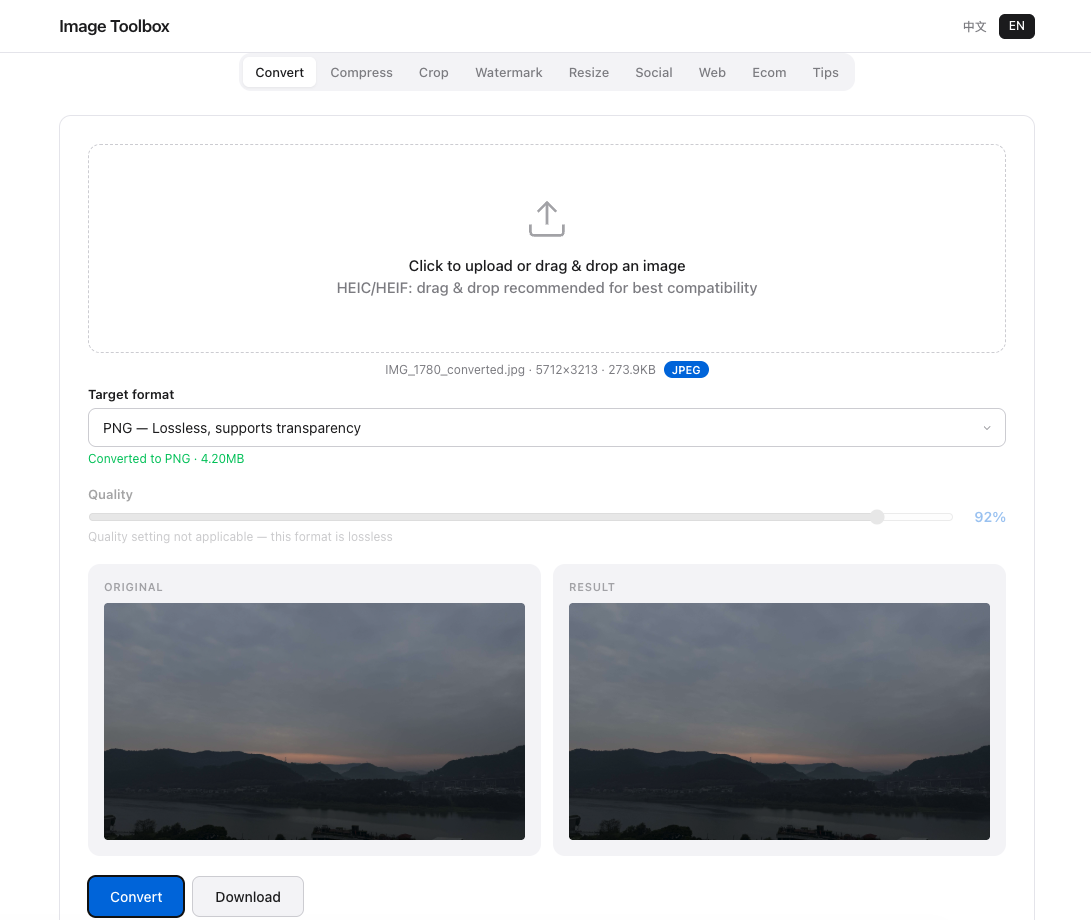
When you need to move between formats, Image Toolbox handles TIFF-to-PNG and PNG-to-TIFF conversion in your browser. For archival purposes, we recommend keeping a master copy in your original format and creating PNG derivatives for web sharing and general use.
Frequently Asked Questions
Is TIFF better quality than PNG?
For RGB images, both formats are lossless and produce identical pixel data. TIFF offers more features (CMYK, higher bit depth, layers) but does not provide "better quality" for standard photographs.
Should I archive photos as TIFF or PNG?
For most users, PNG is the better archive format due to smaller file sizes and universal compatibility. Use TIFF only if you need CMYK color space, layers, or bit depths above 16-bit per channel.
Will converting TIFF to PNG lose quality?
No. Both formats use lossless compression, so pixel data is preserved exactly. You may lose CMYK color space information, layers, and some metadata during conversion.
Archival Testing
TIFF: 52MB/image, PNG: 12MB — 77% savings, identical pixels. PNG for digital archives; TIFF for print workflows.