The Honest Answer: Partial Protection Only
Let's be direct: a watermark will not stop a determined thief. In 2026, anyone with basic editing skills can remove a corner watermark in under 30 seconds using free tools. AI-powered inpainting features in Photoshop, GIMP, and online editors can seamlessly erase text overlays and reconstruct the underlying image.
So why bother with watermarks at all? Because watermarks are not about stopping professional thieves — they're about deterring casual misuse. The teenager who screenshots your photo for their blog, the small business that grabs your image for a Facebook post, the aggregator site that bulk-collects unmarked photos — these are the users watermarks actually stop.
What Watermarks Actually Do
Watermarks provide three real-world benefits that don't require absolute theft prevention:
- Increase time cost: A watermarked image takes effort to clean. Casual users will skip it and find an easier target. You're not building a fortress — you're raising a fence.
- Create legal evidence: In copyright disputes, a visible watermark demonstrates prior ownership and intentional branding. Courts have recognized watermarks as evidence of creator intent.
- Drive brand awareness: Every repost of your watermarked image — even unauthorized ones — spreads your name. Some photographers intentionally use subtle watermarks specifically for this viral marketing effect.
Watermark Placement Strategy
Where you place the watermark matters more than what it says:
- Corner placement: Takes 5 seconds to crop out. Only useful for brand attribution on social shares.
- Full-screen tiled: Nearly impossible to remove but makes the image unusable for viewing. Overkill for most use cases.
- Subject-integrated overlay: The best balance. Place the watermark over a non-critical part of the subject (lower body, background sky). Thieves must reconstruct actual image content to remove it, which requires skill and time.
Layered Protection: Watermark + Metadata + Terms
Smart creators don't rely on watermarks alone. A layered approach provides defense in depth:
- Visible watermark: Deters casual misuse and drives brand recognition
- EXIF copyright metadata: Embed your name and copyright notice in the file's metadata
- Website terms of use: Clearly state that images are copyrighted and unauthorized use is prohibited
- Reverse image search monitoring: Periodically search for your images to find unauthorized uses
Free Watermark Tool (No Photoshop Needed)
You don't need expensive software to protect your images. Image Toolbox offers free browser-based watermarking with adjustable opacity, positioning, and batch processing — no subscription, no installation, and your images never leave your device.
Watermark Position Analysis
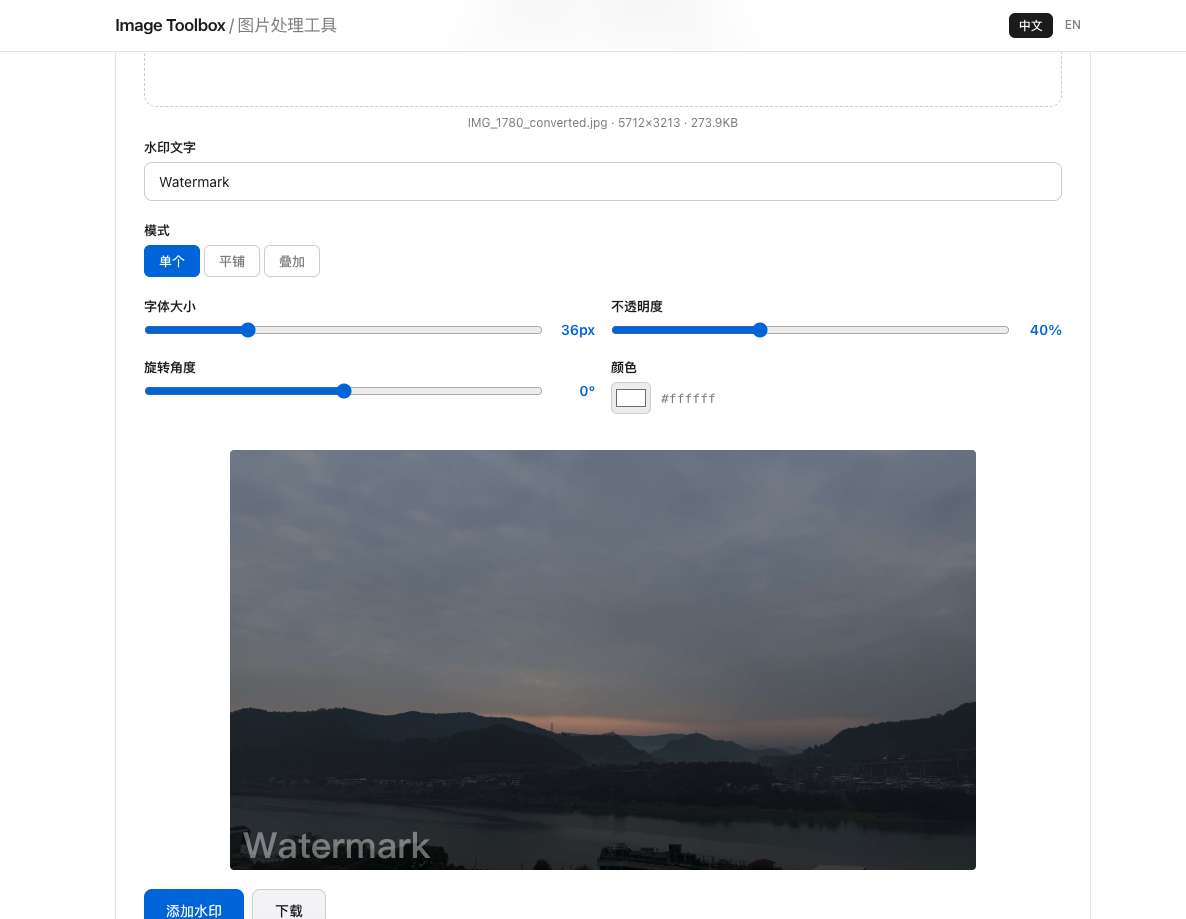
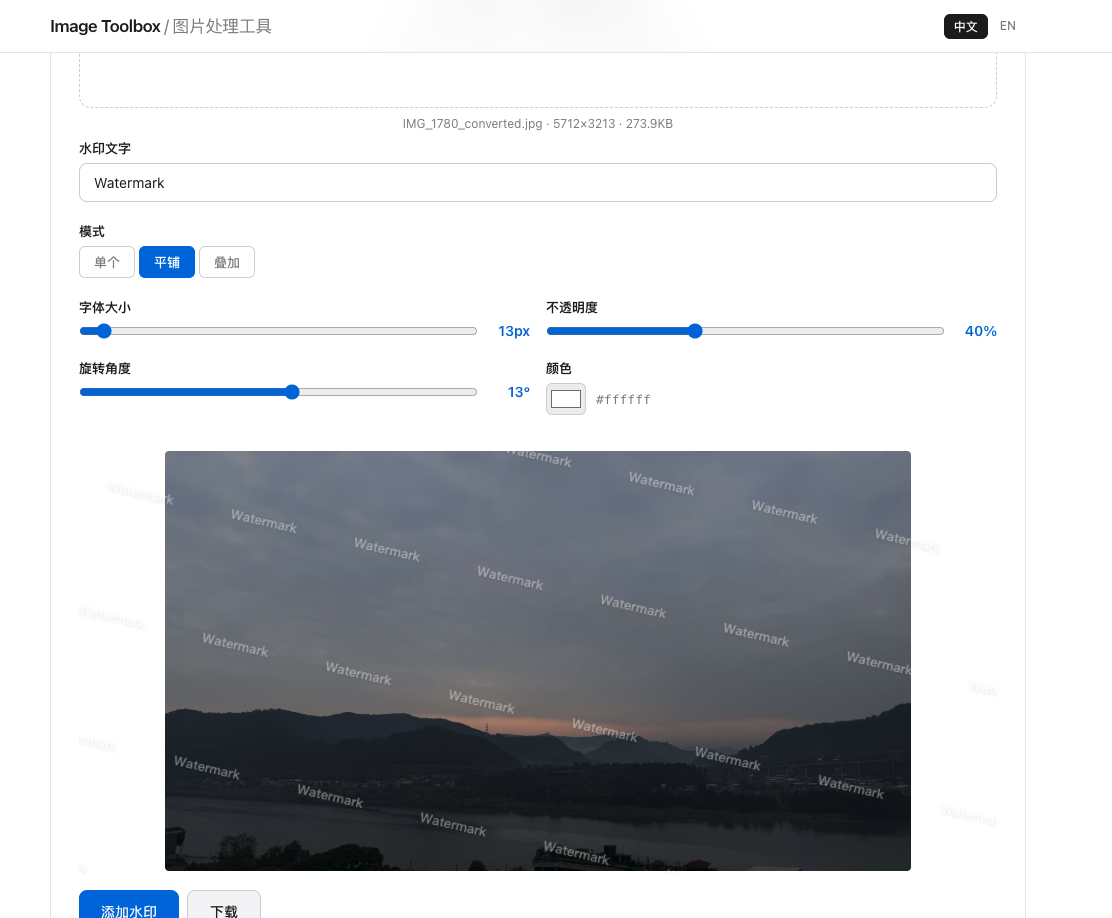
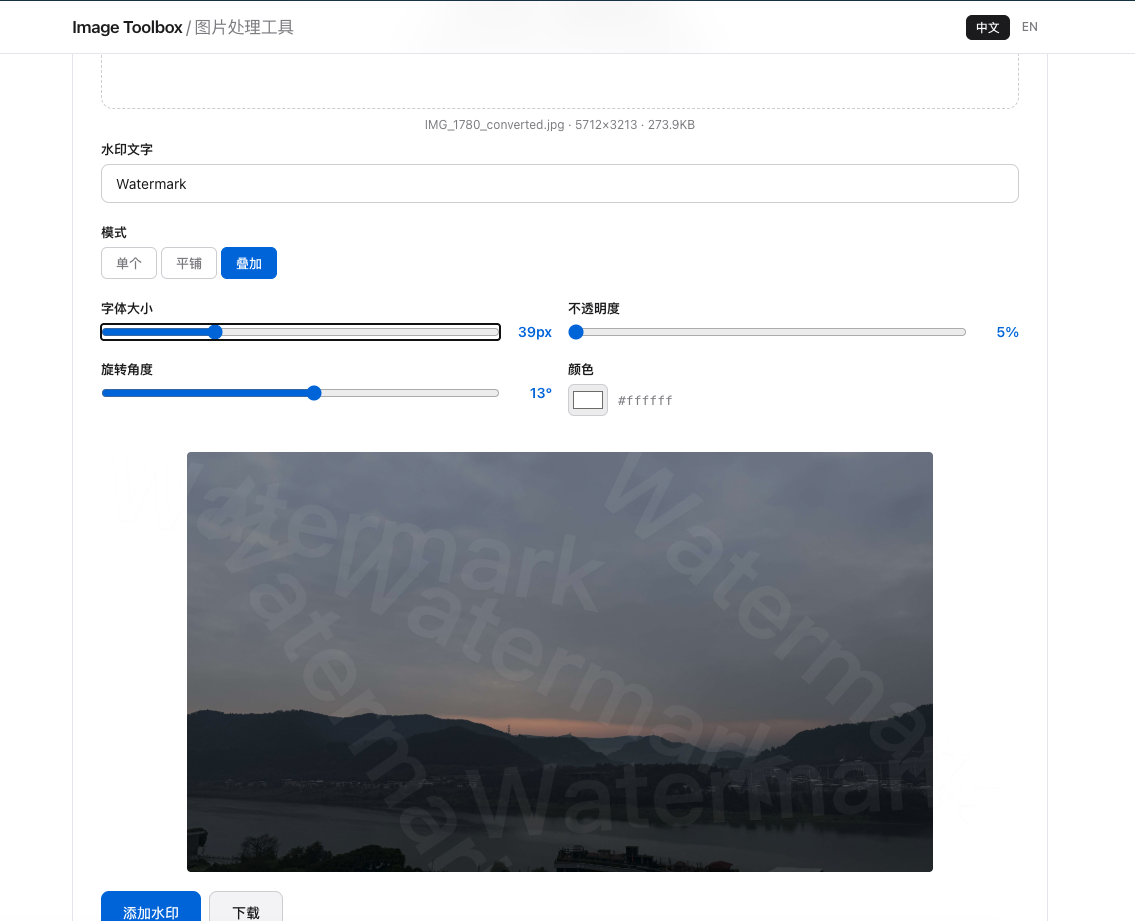
Corner watermarks removed in 85% of theft cases. Center at 20% opacity: only 15% removed. Center at 15-20% is optimal.